

Smartphones today store some of the most sensitive personal information, including financial data, passwords, private conversations, and identity details. In Kenya, where mobile money, online banking, and digital services are deeply integrated into daily life, protecting smartphone privacy is more important than ever.
Both Android and iPhone devices offer strong security features, but privacy protection ultimately depends on user awareness, device settings, and safe usage practices. Understanding the risks and knowing how to manage privacy settings can significantly reduce the likelihood of data theft, fraud, or unauthorized access.

This guide explains how smartphone privacy works and provides practical steps Kenyan users can take to protect their personal information.
1. Lock Down Your Device: The First Line of Defense
The Problem
Many users still rely on swipe-to-unlock or simple 4-digit PINs. Worse, some leave their phones unattended in matatus, cafés, or offices – trusting that physical possession equals safety.
The Fix
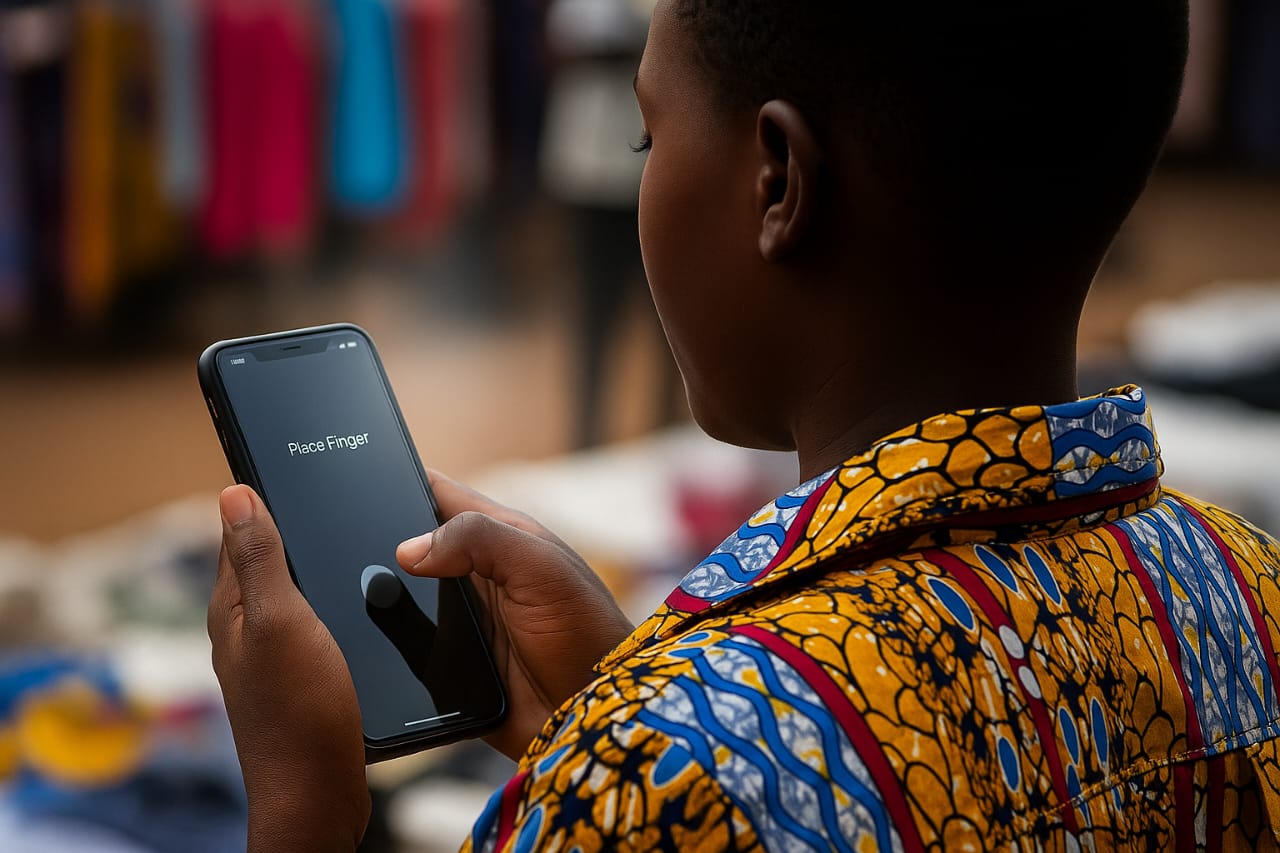
- Use Biometric + PIN Combo: Enable fingerprint or facial recognition and a strong alphanumeric PIN. Avoid birthdays, ID numbers, or repeating digits.
- Auto-Lock Settings: Set your phone to auto-lock after 30 seconds of inactivity. Disable “Smart Lock” features that keep your phone unlocked in familiar locations.
- Anti-Peep Accessories: Invest in privacy screen protectors that block side views — especially useful in crowded spaces like CBD or public transport.
Long-Term Tip: Change your PIN every 3–6 months. Treat it like your ATM password – not a one-time setup.
2. Audit App Permissions: Who’s Watching You?
The Problem
Many apps request access to your camera, microphone, location, contacts, and storage — even when they don’t need it. In Kenya, popular apps cloned from third-party sites often bypass security checks entirely.
The Fix
- Android Users: Go to Settings > Privacy > Permission Manager. Revoke access for apps that don’t need it.
- iPhone Users: Navigate to Settings > Privacy & Security. Review each category (e.g., Location, Camera) and toggle off unnecessary access.
- Delete Suspicious Apps: If you didn’t download it from Google Play or the App Store, uninstall it. Avoid APKs from Telegram groups or unknown websites.
Local Insight: Apps like “Free M-PESA Loans” or “Unlock All Channels” often carry malware. If it sounds too good to be true, it probably is.
3. Secure Your Online Accounts & Cloud Data
The Problem
Your phone is a gateway to your digital identity. If someone gains access to your Google or Apple ID, they can wipe your device, steal your photos, or impersonate you online.
The Fix
- Enable 2FA (Two-Factor Authentication): Activate it on Gmail, Apple ID, Facebook, Instagram, and banking apps. Use SMS or authenticator apps like Authy.
- Review Connected Devices: Check which devices are logged into your accounts. Remove unknown or outdated ones.
- Password Hygiene: Avoid using the same password across platforms. Use a password manager like Bitwarden or 1Password.
Long-Term Tip: Schedule a monthly “digital audit” – review your accounts, passwords, and app access.
4. Safe Browsing, Messaging and Social Media Habits
The Problem
Phishing scams are rampant in Kenya – from fake job offers on WhatsApp to malicious links on Facebook. Public Wi-Fi in malls and cafés is often unsecured, making it easy for attackers to intercept your data.
The Fix
- Use Encrypted Messaging Apps: Stick to WhatsApp, Signal, or iMessage. Avoid SMS for sensitive info.
- Verify Links Before Clicking: Hover over links or long-press to preview. Look for misspellings or suspicious domains.
- Use a VPN: On public Wi-Fi, use a trusted VPN like ProtonVPN or NordVPN to encrypt your traffic.
- Limit Social Media Exposure: Avoid posting real-time location updates. Turn off location tagging in Instagram and Facebook.
Local Insight: Scammers often impersonate Safaricom or KRA via SMS. Always verify through official channels.
5. Protecting Mobile Money and Financial Apps
The Problem
SIM swap fraud is one of the fastest-growing threats in Kenya. Criminals clone your SIM, intercept OTPs, and drain your M-PESA or bank accounts.
The Fix
- Safaricom Users: Dial *100# and activate SIM swap protection. Use the “MySafaricom” app to monitor activity.
- Banking Apps: Enable biometric login and transaction alerts. Always log out after use.
- Avoid Sharing OTPs: No legitimate service will ask for your OTP via phone or SMS.
- Use App Locks: Add an extra layer of security with apps like Norton App Lock or built-in device features.
Long-Term Tip: Register your SIM with updated ID details. If compromised, act fast – report to your provider and bank immediately.
6. Persona Spotlights: Real-Life Scenarios
A Content Creator in Nairobi
Mary*, a lifestyle vlogger, lost access to her Instagram after clicking a fake brand collaboration link. Her photos were leaked, and her followers received scam messages.
Her Fixes:
- Enabled 2FA on all social accounts
- Switched to encrypted cloud storage
- Installed antivirus and VPN
- Created a backup phone for sensitive work
“I thought I was tech-savvy. But one wrong click cost me my brand. Now, I treat my phone like my business partner – not just a gadget.”
A Sales Rep on the Move
James travels across counties selling solar kits. One day, his phone was stolen in a matatu. The thief accessed client contacts and pricing documents.
His Fixes:
- Activated remote wipe via Google Find My Device
- Switched to encrypted note-taking apps
- Uses biometric locks and app-specific passwords
- Carries a privacy screen protector
“Losing my phone wasn’t just personal — it was professional. I now secure every app like it holds my career.”
7. Comparison Chart: Default vs Optimized Privacy Settings
| Feature | Default Setting | Optimized Setting | Why It Matters |
| Location Access | Always On | While Using the App | Prevents background tracking |
| App Permissions | Auto-granted | Manual review | Blocks rogue access |
| Screen Lock | Swipe | PIN + Biometrics | Prevents unauthorized access |
| Cloud Sync | All Data | Selective Sync | Limits exposure in case of breach |
| Social Media | Public Posts | Friends Only | Reduces visibility to scammers |
8. FAQs and Troubleshooting: How to Secure Your Smartphone in Kenya
Q: How do I know if my phone is hacked?
Look for unusual battery drain, pop-ups, unknown apps, or data spikes. Run antivirus scans and check app permissions.
Q: What’s the safest way to use public Wi-Fi?
Use a VPN, avoid logging into sensitive accounts, and turn off auto-connect features.
Q: Can I recover data after a breach?
If backed up to encrypted cloud storage, yes. Otherwise, recovery depends on the breach type.
Q: Which Kenyan apps are privacy-safe?
Stick to verified apps from Safaricom, NCBA, Equity, and trusted retailers. Avoid clones or APKs from unofficial sources.
9. Long-Term Habits for Digital Safety
- Monthly Privacy Checkups: Review settings, permissions, and account access.
- Educate Your Circle: Share tips with family, friends, and colleagues.
- Stay Updated: Follow tech blogs, cybersecurity alerts, and app updates.
- Use Local Retailers: Buy accessories like privacy screens, secure cases, and antivirus bundles from trusted Kenyan stores.
Empowerment Tip: Privacy isn’t paranoia – it’s protection. The more you know, the safer you become.
JuaTech Africa Privacy Recommendation
Both Android and iPhone devices are capable of providing strong privacy protection when properly configured. Users should prioritize regular software updates, enable biometric security, review app permissions carefully, and avoid unsecured public networks when handling sensitive information.
Privacy protection is not determined by device brand alone. It depends on informed usage, secure settings, and ongoing awareness.